
Want a Professional Website that Attracts Clients?
Need a Website For Your Virtual Assistant Business?
Of course you do if you want clients to trust in you and buy your services!
Well don’t worry, we’ve got you covered….
A business website is an absolute must for all Virtual Assistants. You are virtual, aren’t you? It is a fact that we are increasingly depending on the internet for information. Your client will not only search for your website to solicit your business, but they will refer back to it to obtain contact information, service options, prices, and other relevant information about your business. They will “size you up” by the quality of your website – just as they would have you had an office or storefront.
The center of your online marketing efforts is your business website.
As a Virtual Assistant, it’s imperative that you create a website that gives your ideal clients the information they need to make a decision to go the next step whether that’s purchasing your services or joining your email list to get more information. Everything starts and ends with your website. It’s the center of all your marketing activities.
It’s inescapable how important your website is for getting clients.
Your website is truly the center of your online marketing. Everything starts with your website and ends with your website. With that in mind, you want to put most of your content on your website and let other content you place elsewhere lead back to your website.
>> Get a website online today for as little as $197!
A website offers low-cost advertising and marketing, increases your visibility, and makes you accessible to your audience. Thus, enabling you to get more clients and make more sales. Thankfully with the help of self-hosted WordPress you can build a professional looking website easily and effectively without being an expert at creating websites. You simply need reliable hosting, a memorable business domain name, and a website that speaks to your audience to get started.
We have packages for every Virtual Assistant depending on your budget.
The best deal is our all-inclusive or as we like to call it our A la Carte Package. With this package, you don’t have to lift a finger except provide us with the content you want for your website.
Let us help you get your website online quickly with one of our affordable Virtual Assistant website packages below…
“Do It Yourself” & “à la carte” Packages include one of the Template Designs below:
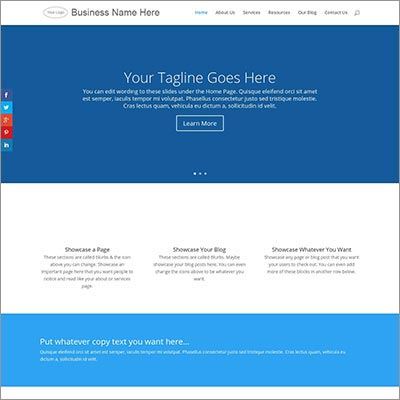
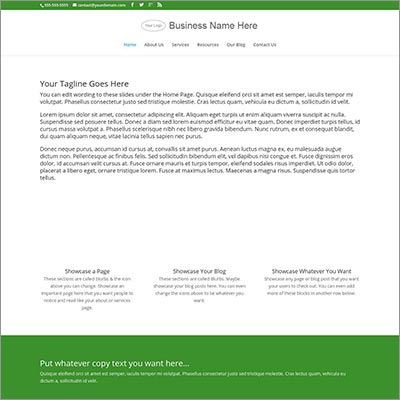
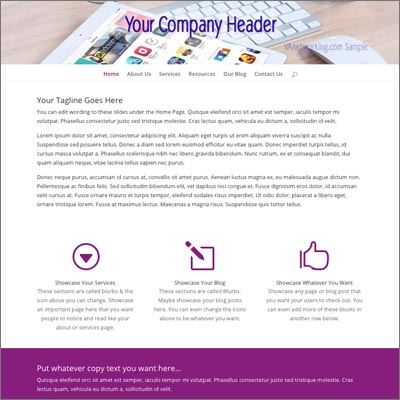
Or do it yourself and design your template using the DIVI all-in-one Theme Templates included with all packages.

Quick Start
1 Year of Web Hosting
5 Self-Hosted Email Addresses
Basic Install of WordPress.org
- Access to DIVI all-in-one Theme the world’s #1 WordPress Theme and Visual Page Builder with lifetime updates as long as you continue hosting with us. This also includes these Elegant Theme Plugins (Monarch and Bloom).
Do It Yourself
- 1 Year of Web Hosting
- 5 Self-Hosted Email Addresses
- Access to DIVI all-in-one Theme the world’s #1 WordPress Theme and Visual Page Builder with lifetime updates as long as you continue hosting with us. This also includes these Elegant Theme Plugins (Monarch and Bloom).
- Branded with Your Colours and Logo (you provide)
- 5 Blank Pages (Home Page, About Page, Services Page, Blog, Contact Page with Contact Form)
- Add Social Media Network Follow & Share Icons
à la carte
- 1 Year of Web Hosting
- 5 Self-Hosted Email Addresses
- Access to DIVI all-in-one Theme the world’s #1 WordPress Theme and Visual Page Builder with lifetime updates as long as you continue hosting with us. This also includes these Elegant Theme Plugins (Monarch and Bloom).
- Branded with Your Colours and Logo (you provide)
- 5 Pages with Content (content/images provided by you)
- Contact Page with Sign Up Form
- Blog Set-Up with One Blog Post (content/images provided by you)
- Add Social Media Network Follow & Share Icon
Not sure which option is right for you? Contact us to discuss.
ONLY NEED HOSTING?
Check out our hosting rates for Virtual Assistants
Additional Add-Ons Available
If you are interested in any of the following additional packages please let us know during the design process.
Monthly WordPress Service Maintenance – $37 month
- Backing up your site at your chosen intervals
- Adding and configuring WordPress security plugins
- Malware monitoring
- Deleting comment SPAM and trash folders
- Check for broken links
- Plugin updates
- Theme updates
- WordPress updates
Custom: Need something on your website that isn’t listed here? Contact us to get a custom quote.

*** Due to volume, Virtual Assistant Website Design Package purchases must be used within 45 days. If you are not ready to build your website please wait on purchasing.